Pythorixamen
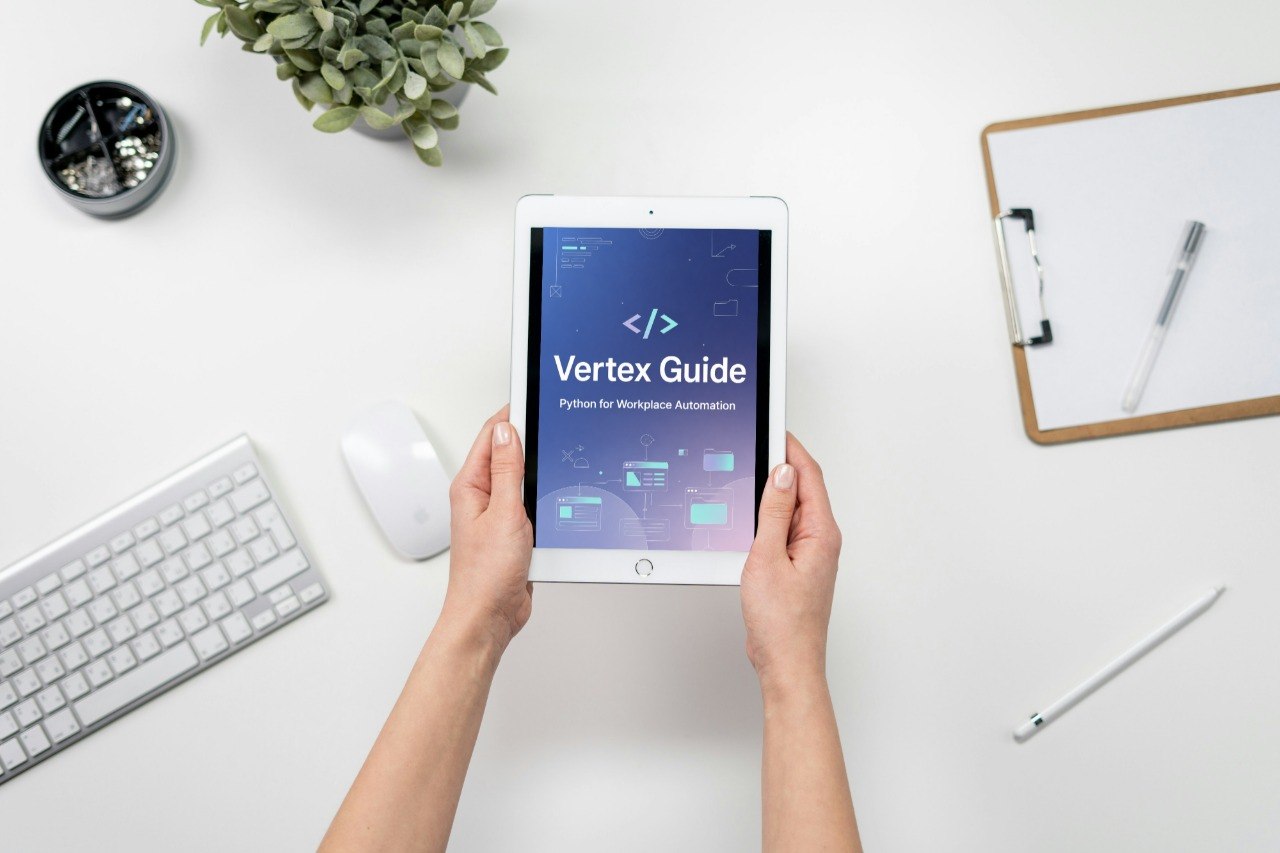
Vertex Guide
Vertex Guide
Couldn't load pickup availability
- 💾 Digital file available after purchase
- 🗂️ Long-term availability
- 🔐 Secure checkout
- 🆕 Content updated in 2026
Self-paced learning overview
When learners begin creating larger automation routines, they often need guidance on working with files and organized workplace materials. Manual file handling can take time, especially when folders contain many documents, repeated names, outdated versions, or information that needs to be sorted before use.
The Vertex Guide focuses on file-based automation concepts using Python in a structured workplace context.
This course introduces learners to practical ways Python can help organize and process files. The lessons explain how to read folder contents, check file names, rename items carefully, sort files into categories, and create simple records of what was handled.
The course keeps the process clear and cautious, with attention to planning, backups, review steps, and readable script design.
The Vertex Guide includes modules on file paths, folder navigation, file naming patterns, batch organization, safe renaming logic, simple file checks, and activity summaries. Examples include organizing files by naming rules, preparing folder reports, checking for repeated names, and separating files into planned groups.
The materials include guided lessons, sample scripts, planning notes, practice tasks, and review checklists. Each section is designed to help learners understand file automation step by step before applying it to their own materials.
This tier is for learners who understand Python basics, functions, lists, dictionaries, and simple workflows. It is suitable for office workers, administrative teams, coordinators, documentation assistants, reporting learners, and anyone who works with repeated file organization tasks.
It is also useful for learners preparing to combine file handling with data preparation and reporting in later tiers.
- How to understand file paths and folder structures
- How to read folder contents with Python
- How to identify files by names and extensions
- How to plan safe file organization rules
- How to rename files using clear patterns
- How to check for repeated or missing file names
- How to sort files into planned groups
- How to create simple file activity summaries
- How to add review steps before changing files
- How to prepare for report and workflow automation
This course includes a 30-day money back option.
You can review the materials during the risk-free period and decide whether the course fits your learning needs.
Share
What exactly is included?
What exactly is included?
Each Pythorixamen course includes structured learning materials focused on Python for workplace automation. Depending on the tier, the materials may include modules, written explanations, examples, exercises, checklists, and practical workflow references.
How long is the course?
How long is the course?
Course length depends on the selected tier. Introductory tiers are shorter and focused on core concepts, while higher tiers include more detailed modules, examples, and project-style materials
What format are the materials provided in?
What format are the materials provided in?
The courses are provided as downloadable digital materials. They may include PDF resources, written lessons, modules, examples, and structured learning files depending on the course tier.